Home › Forums › Archives › Computer Support › Computer Support Discussion › Show off your desktop
 ednagarcia06.
 kyuubi
My first desktop of 2005…

 LinuxAddict
This is what happens when I get bored.
 syntax
Here is my desktop for this month:
desktop_jan2005.jpg (167KB)
 mynameisdougb
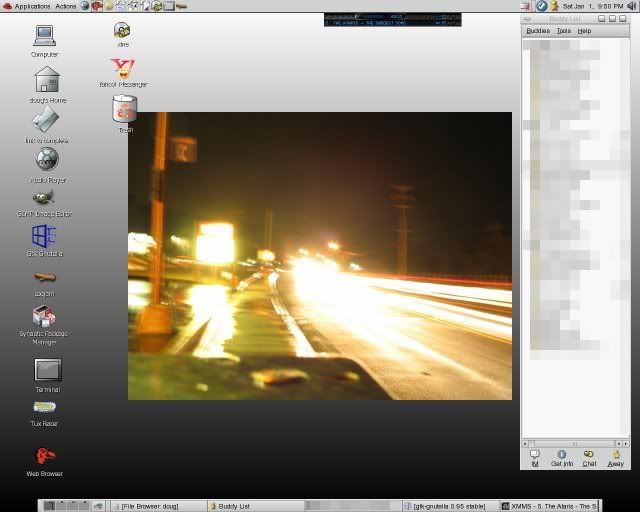
I might have posted on this thread earlier, but now that I have Linux, I figure I should post my new desktop 😀
http://img.photobucket.com/albums/v282/dougbarrett/Random%20Album/Screenshot.jpg
 DyingInAPromise
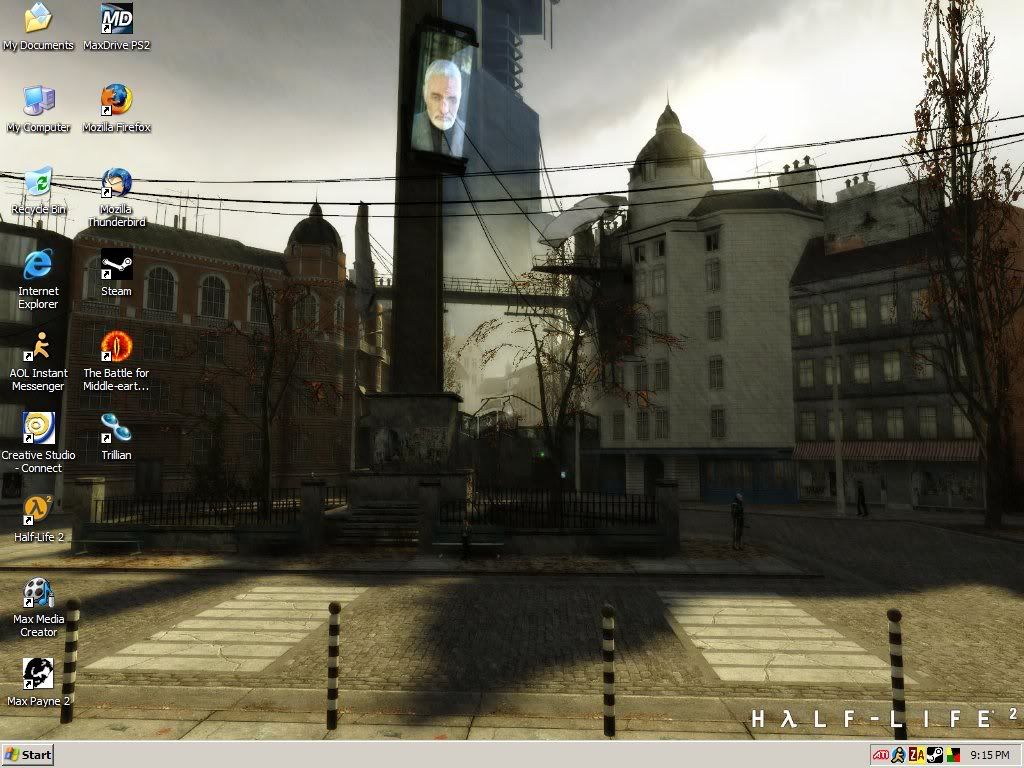
My desktop as of 1-2-05
http://webpages.charter.net/dyinginapromise/Extra/desktop_1-2-05.jpg
 colin
colinhttp://webpages.charter.net/dyinginapromise/Extra/desktop_1-2-05.jpg
Did you make that background yourself? If so, how and what program?
 Dipz
DipzMy desktop is too embrassing to show LOL! XP default thing with the hills and blueskies :S
 DrBroccoli
Here’s mine… nothing too special
http://img.photobucket.com/albums/v515/miltonbulldog09/showoff.jpg
DipzAny ideas were i can get me hands on these?
DrBroccoliHands on what? Customization tools? I use windows blinds as many do here I think and it can be found here: http://www.stardock.com/products/windowblinds/ and the skins are at http://www.wincustomize.com
 Rusty
RustyHere’s my new one

 Specialized
Heres mine:
http://chris.cheeclan.com/my%20desktop.JPG
Clean, Classic, Cut-throat 😉
Cant handle it! 😉
 detn8r
http://img.photobucket.com/albums/v515/miltonbulldog09/showoff.jpg
Can you share which VS you are using in this theme?
detn8rUpdated desktop: http://www.coangr.ca/bbb/desktop-1.23.05.jpg
 Kreuger
here’s the one im using now, it’s not of MY desktop because mine’s a little off for some reason but yeah: http://pixtudio.com/preview.php?id=144
and my wallpaper is: http://skins3.wincustomize.com/MillaMeter/wallpapers/21061.jpg
in 1024×768, it doesn’t say turbine at the top but yeah.
this saves me from uploading it:P