
Home › Forums › Archives › Computer Support › Computer Support Discussion › Show off your desktop
- This topic has 351 replies, 101 voices, and was last updated 13 years, 5 months ago by
ednagarcia06.
-
AuthorPosts
-
August 23, 2006 at 1:50 pm #48233
Cratima
MemberThank you thank you. 😀
This is a web site with wallpapers that I like:
http://interfacelift.com/wallpaper/Hope you like them too. 😉
August 23, 2006 at 1:56 pm #48154princeG
ParticipantAmazing wallpapers, thanks for the link
 August 23, 2006 at 1:58 pm #48234Member
You’re welcome! 😀
September 12, 2006 at 10:39 pm #48235chazsmash
Member@Sh8keS 32 205429 wrote:
http://i48.photobucket.com/albums/f226/YankeeHATER032/Untitled-1-1.jpg
Hey i’m thinking of having a theme like this, how do i go about doing it and is it completely finished if you get me, will there be any bugs or anything? Safe?
Thanks!
September 24, 2006 at 1:13 am #48214master2000uk
Memberhere is mine …i like to change the look quiet often 😉

changed it spike hope thats better 😮
September 24, 2006 at 4:39 am #48072Spike
MemberI can barely see that… tell ImageShack to use a higher resolution next time, so people don’t have to squint to see what your screen looks like. 😉
September 25, 2006 at 10:16 pm #48215Memberno one is posting today…..here is my desktop at the moment….
hope the size ok spike 😉
 December 21, 2006 at 12:10 am #48208
BShink21
MemberSince no one has posted on this thread in quite a while, so I will.

newest, as of yesterday.
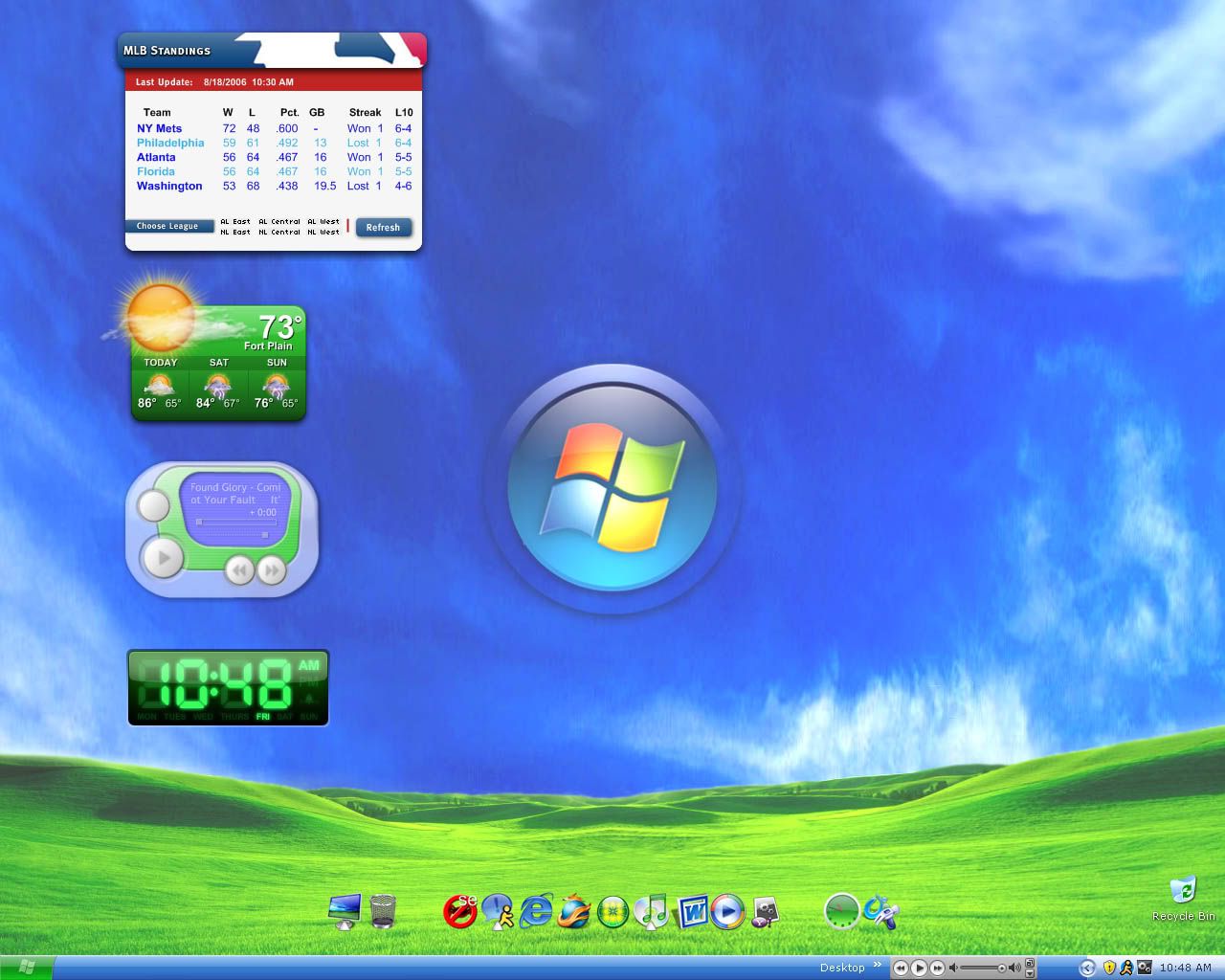
January 20, 2007 at 5:51 pm #48209MemberNew desktop, using VS Crystal DLB.
February 1, 2007 at 1:46 am #48148DrBroccoli
ParticipantWorking on a new one for February, here’s the basis of it:

Click for full size version!February 1, 2007 at 6:21 am #48238COoKeD
MemberJust took this screencap of my messy desktop
…. i still have Icons of programs that i dont even use anymore on there … You should see my start menu and programs list … 3 screens of programs alone
Maybe i should do some cleaning soon
 February 4, 2007 at 1:44 am #48073Member
I just got Vista, so here’s my new desktop.

Taken with Vista’s built-in screen capture utility 😉
February 4, 2007 at 8:06 pm #48149Participant@Spike 214507 wrote:
I just got Vista, so here’s my new desktop.
Taken with Vista’s built-in screen capture utility 😉
Good! It’s about time Windows adds something like that. Been in Macs forever!
February 4, 2007 at 8:16 pm #47997Tigerblade
ParticipantShadowdogMU;214548 wrote:Good! It’s about time Windows adds something like that. Been in Macs forever!there is a screen capture utility in Windows. it’s called PrintScreen. (or PrntScrn, actually)
of course, it just takes a picture of the screen, without actually saving it, so… I suppose you’d have to fire up something extra, like Paint or Photoshop.I’m working on redoing my own desktop… I’ve got a few more things to work out before I’m willing to actually post it.
February 5, 2007 at 5:17 am #48074Member@Tigerblade 214550 wrote:
there is a screen capture utility in Windows. it’s called PrintScreen. (or PrntScrn, actually)
of course, it just takes a picture of the screen, without actually saving it, so… I suppose you’d have to fire up something extra, like Paint or Photoshop.Oh, no… new in Vista, there’s actually a utility called “Snipping Tool” that will allow you to seamlessly select a portion of your screen, a window, or the entire screen and take a snapshot of it and save it right then and there in the same program. Yes, it has been in Macs forever, Microsoft’s just now catching on to the more simple stuff 😉
-
AuthorPosts


- You must be logged in to reply to this topic.